Quickstart
Get an AI cursor-guide running on your site in about 5 minutes.
1. Sign up
Create a workspace at admin.supamaus.com. During onboarding you'll claim your site's domain — this is the identifier your embed script will use later.
2. Add the snippet
Paste this before </body> on every page you want the guide available on:
<script src="https://www.supamaus.com/embed.js" data-site-id="yourdomain.com" async></script>Set data-site-id to the domain you claimed in step 1.
Safe to ship
The script is a ~1KB loader. It boots the widget asynchronously and never blocks or breaks page render — worst case, the guide just doesn't appear.
3. Verify
Open the Deploy page in the admin dashboard. It runs a verification checklist against your live site to confirm the script is installed and reachable.
4. Try it
On your site, press Cmd/Ctrl+K to open the AI guide, and ask it something like:
show me around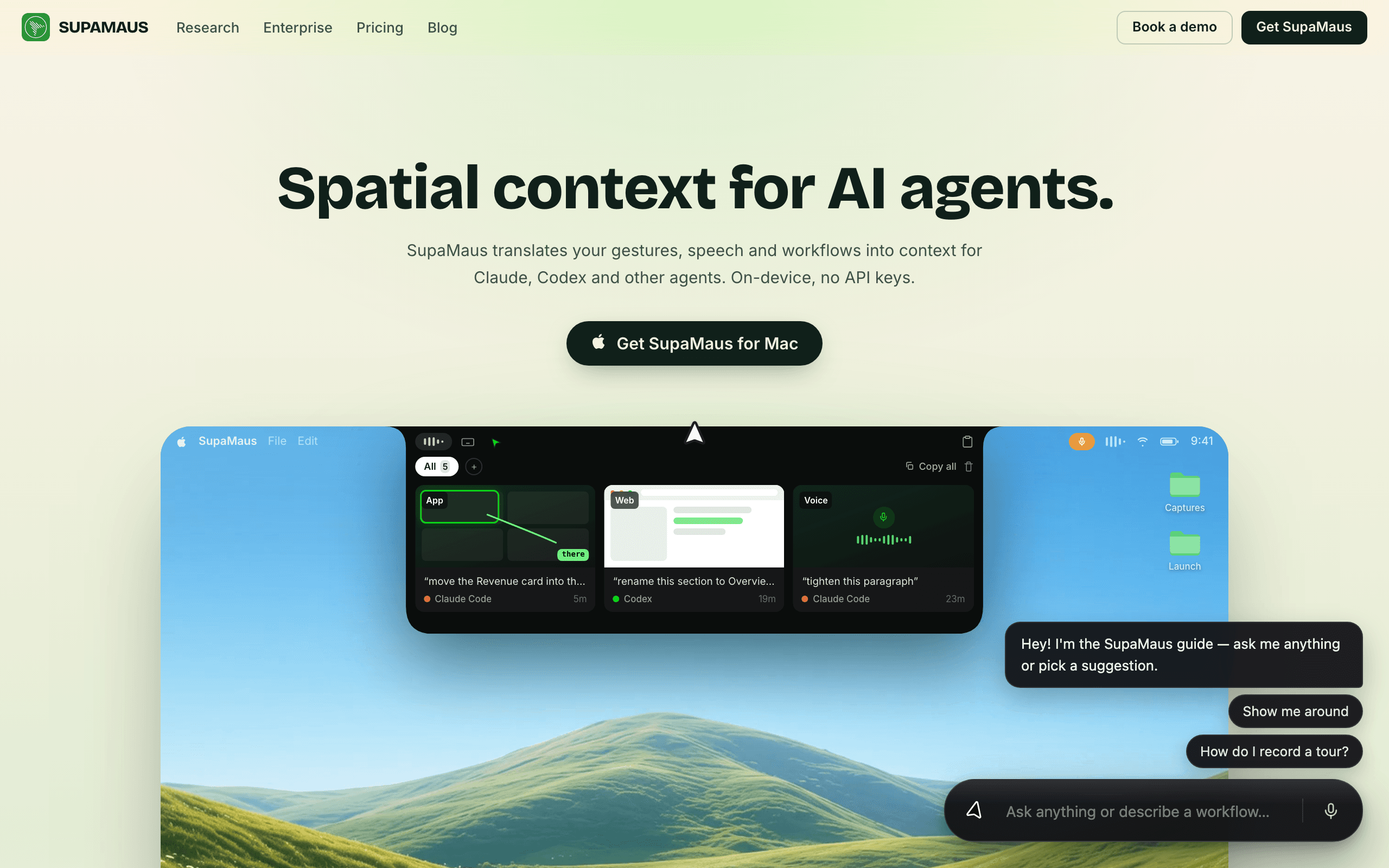
5. Optional: preview without embedding
Don't want to touch code yet? Install the SupaMaus — AI Cursor for the Web Chrome extension. It injects the same widget into your site on the fly, so you and your team can try tours before any deploy.
Make it yours
Two things turn the stock guide into your guide:
- Record a tour of your most important flow — "how do I get started" becomes a walkthrough instead of a paragraph.
- Add your docs so answers about pricing, policies, and features come from your content, with sources.