What is SupaMaus
An AI cursor-guide that onboards your users — teach, show, do, and learn, dropped in with a script tag.
SupaMaus is an AI onboarding layer for web apps. Drop in a script tag and your product gets an AI cursor that can guide users through it — answering questions, pointing at real elements on the page, and walking them through recorded tours.
Try it right now
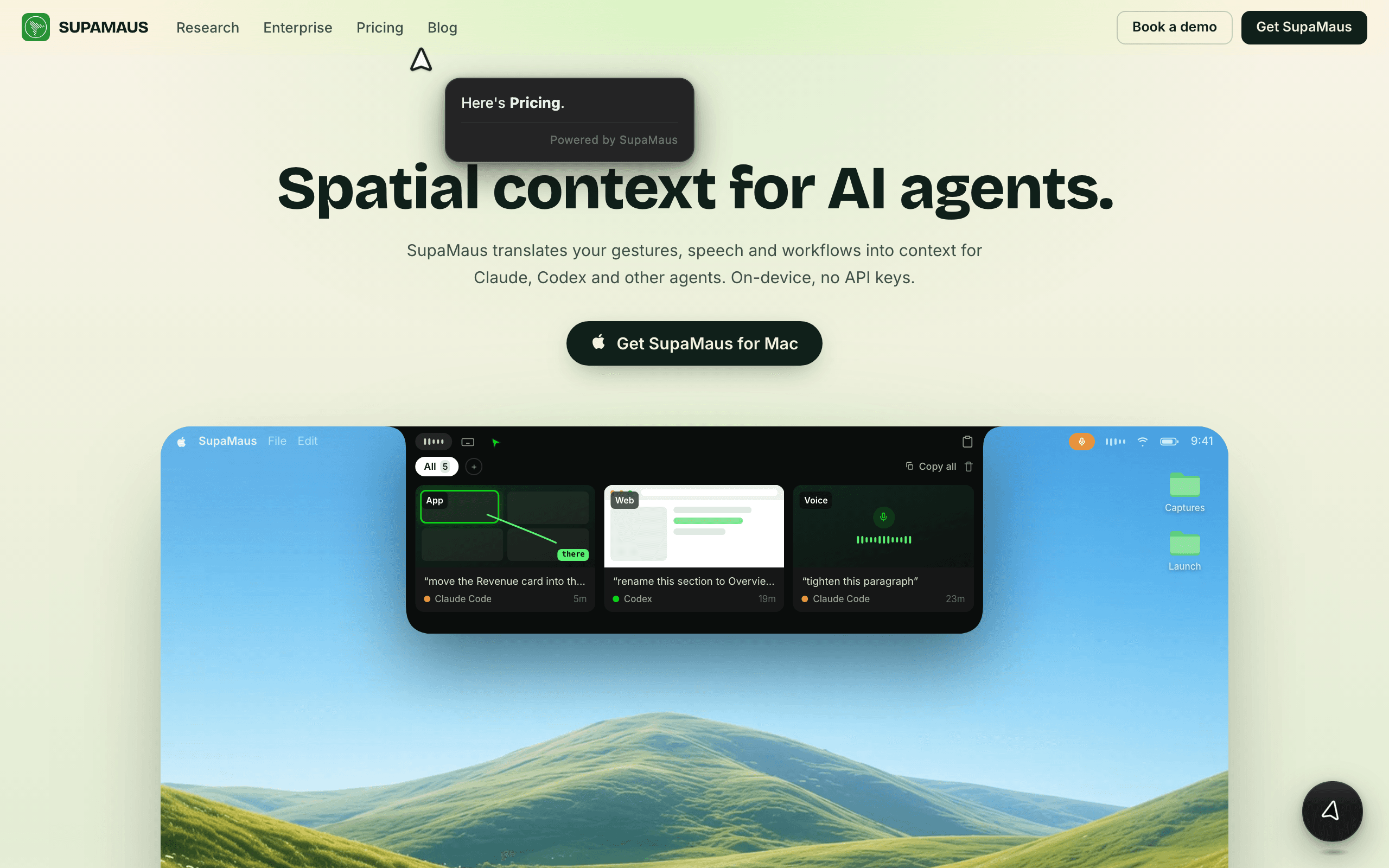
These docs run SupaMaus. Press Cmd+K (or Ctrl+K) and ask it anything — that's the widget your users would get.
It does four things:
- Teach — runs guided tours you (or your team) record once, replaying them step by step for every user.
- Show — answers a user's question by pointing the cursor at the actual element on the page, grounded in your own docs rather than a generic help article.
- Do — optionally drives the UI itself (autopilot), completing a step on the user's behalf instead of just pointing at it.
- Learn — improves from what you record and from questions it couldn't answer, so gaps surface over time instead of staying invisible.
The three pieces
SupaMaus has one moving part for your users, and two for your team:
- Embed script — the
<script>tag your users' browsers load. This is the only thing that ships to production. It boots an AI cursor widget on your site. - Chrome extension — "SupaMaus — AI Cursor for the Web." Creators use this to record tours and preview the widget on a site before embedding any code.
- Admin dashboard — admin.supamaus.com. Claim your domain, manage tours, check deploy status, and see the questions users asked that the guide couldn't answer.
No embed yet?
You can try SupaMaus on your own site with just the Chrome extension — see the Quickstart for the no-code path.
Where to go next
Quickstart
Script tag to working guide in ~5 minutes.
Recording tours
Click through a flow once; every user gets the walkthrough.
Knowledge base
Feed it your docs so answers come with sources.
Agents & MCP
Let Claude Code or Codex record tours for you.
Embed API
Every attribute, command, and method on the widget.
Security & CSP
Network surface, isolation, and data handling for review.